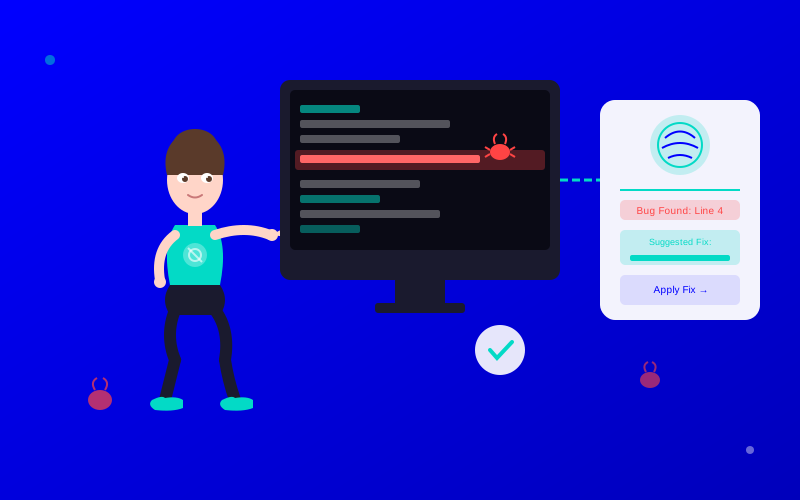
Debugging is where developers spend the most time. According to DevOps research, developers spend 30-50% of their time debugging and fixing issues. AI debugging assistants slash that dramatically.
These tools don't just find bugs—they explain them, suggest fixes, and prevent them from recurring. Here's how to choose and use them effectively.
What You Will Learn:
The best AI debugging tools for different use cases
How static analysis AI catches bugs before runtime
Snyk scans your code, dependencies, containers, and infrastructure-as-code for security vulnerabilities. When it finds an issue, it doesn't just report it—it opens a PR with the fix.
Key capabilities:
Dependency scanning: Finds vulnerable packages in npm, pip, maven, etc.
Container scanning: Checks Docker images for known CVEs
Code scanning: Static analysis for security issues in your code
Fix automation: Auto-generates PRs to update vulnerable dependencies
"Snyk found a critical vulnerability in a transitive dependency we didn't even know we had. The fix PR was ready before I finished reading the alert."
— Senior DevOps Engineer, FinTech startup
SonarQube: Comprehensive Code Quality
SonarQube is the industry standard for static code analysis. It catches bugs, code smells, and security vulnerabilities across 29+ languages.
The AI component analyzes code patterns to identify:
Null pointer dereferences
Resource leaks
SQL injection risks
Hardcoded credentials
Race conditions
It integrates with every major CI/CD system: Jenkins, GitHub Actions, GitLab CI, Azure DevOps.
CI/CD Integration
AI debugging tools work best when automated. Configure them to run on every pull request:
Add the tool's GitHub/GitLab app or CLI to your repo
Configure a workflow to run on PR events
Set quality gates (e.g., block merge if critical issues found)
Review AI findings alongside human code review
For more on integrating AI into development workflows, see our AI for DevOps Guide.
Average improvements reported by professionals using AI tools in this category
Implementation Strategy
Adopting AI tools successfully requires a structured approach. Don't try to transform everything at once. Start small, measure results, and expand gradually.
Identify high-impact tasks: Start with the most time-consuming repetitive tasks in your workflow.
Choose one tool: Don't evaluate five tools simultaneously. Pick the best fit for your primary need.
Run a pilot: Test with a small project or team for 2-4 weeks before rolling out broadly.
Measure outcomes: Track time savings, quality improvements, and user satisfaction.
Iterate and expand: Based on pilot results, refine your workflow and add new use cases.
☐ Current workflow bottlenecks identified
☐ Tool selected based on requirements
☐ Pilot project planned with clear success metrics
☐ Team trained on basic tool usage
☐ Review process established for AI outputs
☐ Expansion plan drafted for post-pilot rollout
Best Practices
Do This
Avoid This
Why It Matters
Start with one clear use case
Try to automate everything at once
Focused adoption builds confidence and skills
Always review AI outputs
Trust AI blindly
AI is powerful but imperfect — human oversight is essential
Measure before and after
Assume improvements
Data-driven adoption ensures real value
Train your team gradually
Mandate instant adoption
Gradual training builds lasting habits
"The organizations seeing the biggest returns from AI aren't the ones with the biggest budgets. They're the ones with the clearest implementation plans."
— McKinsey Digital Report, 2024
Getting Started Today
AI tools for ai debugging assistant are mature, affordable, and proven. The gap between early adopters and holdouts is growing every month. The best time to start is now — and the best approach is to start small, measure everything, and build from there.
AI debuggingbug fixingdeveloper toolscode qualitysoftware testing
Frequently Asked Questions
Modern tools catch 70-90% of common bugs including null pointer errors, SQL injection, and race conditions. False positive rates vary by tool. Snyk and SonarQube have built reputations for high accuracy with low noise.