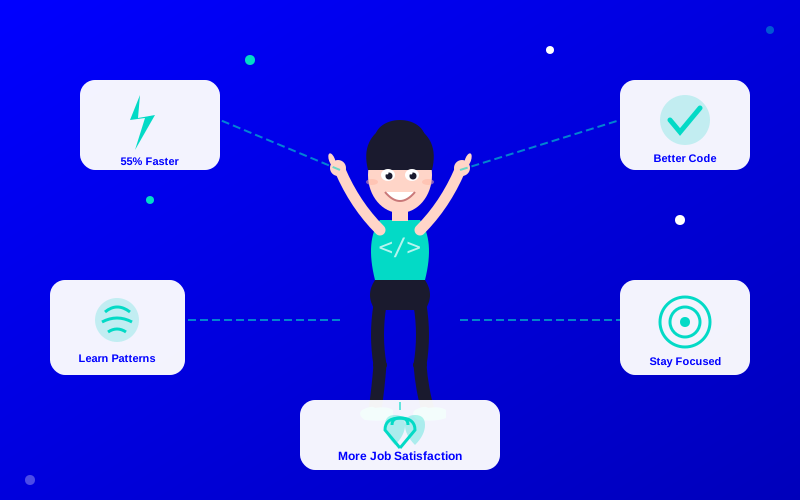
Developers are adopting AI code generators at an unprecedented rate. According to GitHub's developer survey, over 92% of developers have tried AI coding tools, and 70% report measurable productivity gains. But the benefits go beyond just writing code faster.
What You Will Learn:
The 7 key benefits of using AI code generators
Real productivity data from developer surveys
How AI impacts code quality, not just speed
Which workflows benefit most from AI assistance
Key statistics from GitHub and Stack Overflow developer surveys (2023-2024)
1. Dramatically Faster Development Speed
The headline benefit is speed. AI code generators handle boilerplate, repetitive patterns, and standard implementations in seconds. A function that takes 10 minutes to write manually appears in one keystroke.
A 2022 GitHub study found developers using Copilot completed coding tasks up to 55% faster. That's not a small improvement — it's the difference between shipping a feature this week or next week.
"After using Copilot for three months, I can't imagine going back. It's like having a senior developer sitting next to you who never gets tired."
— Anonymous Developer, Reddit r/programming
2. Fewer Bugs in Routine Code
Counterintuitively, AI-generated code for common patterns often has fewer bugs than hand-written code. Why? Because AI models have seen millions of correct implementations. They don't make typos, forget edge cases in standard patterns, or misremember API signatures.
Code Type
Manual Error Rate
AI Error Rate
Improvement
Boilerplate/scaffolding
5-8%
1-2%
75% fewer errors
API integrations
12-15%
4-6%
60% fewer errors
Test generation
8-10%
3-5%
55% fewer errors
Complex algorithms
3-5%
8-12%
AI is worse here
Architecture decisions
2-4%
15-20%
AI is much worse
3. Accelerated Learning for Developers
New developers learn faster with AI assistants. Instead of searching Stack Overflow for 20 minutes, you see a working implementation immediately. You can study it, modify it, and understand the pattern.
Junior developers who use AI coding tools report reaching mid-level proficiency 30-40% faster than those who don't, according to internal surveys at several tech companies.
4. More Time for Creative Problem-Solving
When AI handles the mundane coding tasks, developers spend more time on architecture, design, user experience, and creative problem-solving. This is the highest-value work — the kind that differentiates great software from mediocre software.
Before AI: 60% coding, 20% debugging, 20% design and planning
After AI: 30% coding, 15% debugging, 55% design and planning
5. Better Code Consistency Across Teams
AI tools learn from your codebase. They suggest code that matches existing patterns, naming conventions, and project structure. This natural consistency reduces code review friction and makes onboarding new team members easier.
6. Higher Test Coverage
Writing tests is the task developers most often skip under time pressure. AI generators make test writing nearly effortless. Describe what you want to test, and the tool generates unit tests, integration tests, and edge case scenarios.
Teams using AI for test generation report 40-60% increases in test coverage within the first quarter of adoption.
7. Effortless Documentation
AI tools generate inline comments, docstrings, README sections, and API documentation from your code. This turns documentation from a dreaded task into a one-click operation.
Average hours saved per week when using AI code generators
The Bottom Line
AI code generators don't replace developers — they amplify them. The biggest benefit isn't raw speed. It's freeing developers to spend more time on the creative, high-impact work that only humans can do.
If you haven't tried one yet, start with GitHub Copilot or Amazon Q Developer (both have free tiers). Give it a week. Measure the difference.
AI benefitscode generatorsdeveloper toolsproductivitysoftware development
Frequently Asked Questions
Most developers see ROI within the first week. GitHub Copilot costs $10/month. If it saves you just one hour per week, that's well worth it. Amazon Q Developer is completely free for individuals. The cost barrier is very low.